
In this article:
- Add a text tile
- Edit text in a tile
- Format text
- Add and organise multiple lines
- Save changes
- Move, resize, and delete text tiles
Add a text tile
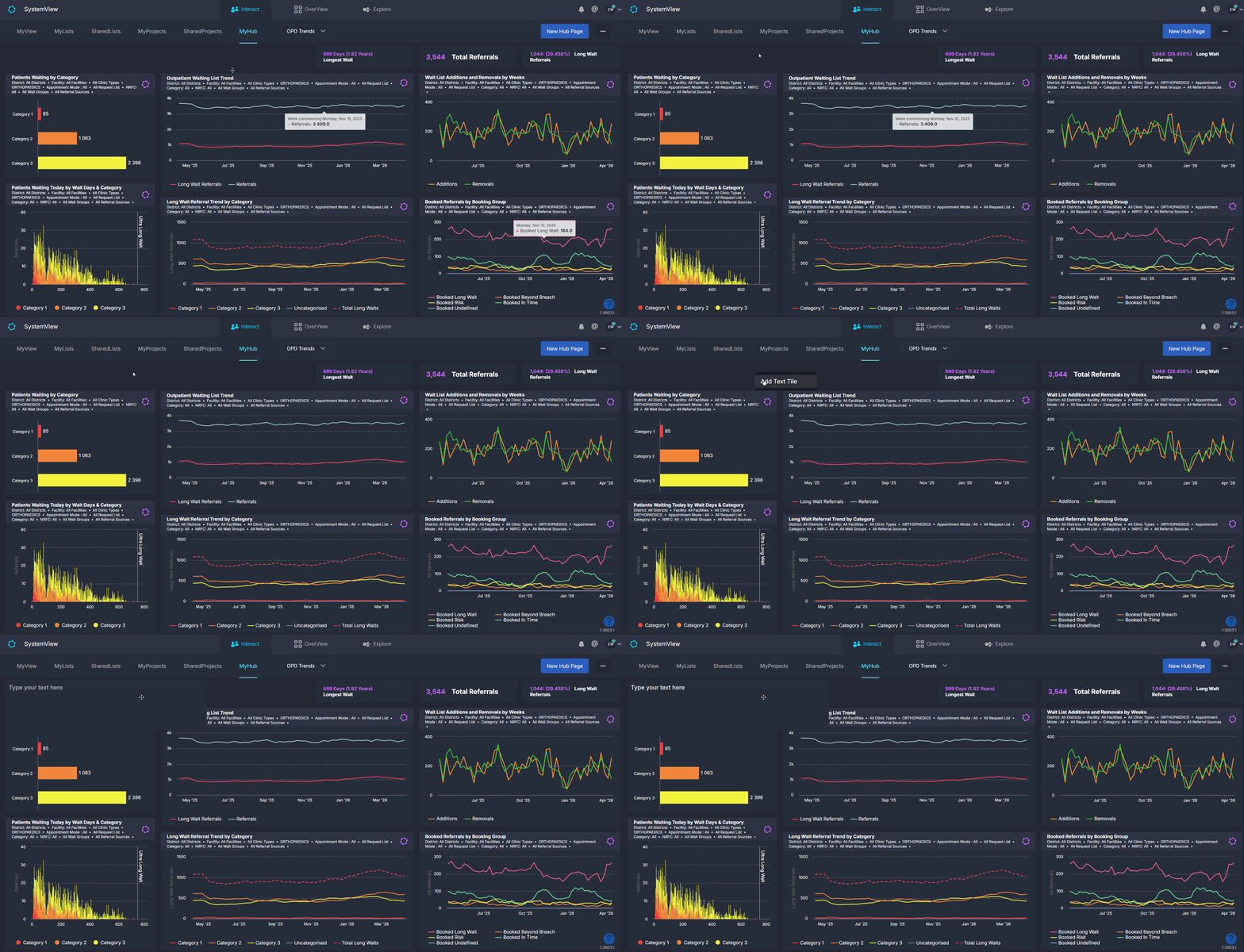
- Open the MyHub page where you want to add text
- Right-click anywhere on the page
- Select Add Text Tile
A new text tile will appear on your dashboard.
Edit text in a tile
- Right-click the text tile
- Select Edit Text Tile
- Click into the text area
- Remove the default text (“Type your text here”)
- Enter your own text

Format text
To format text, highlight the text you want to change. This will display the formatting menu.
You can:
- Switch between heading and body text
- Apply bold, italic, or underline
- Choose from available text colours
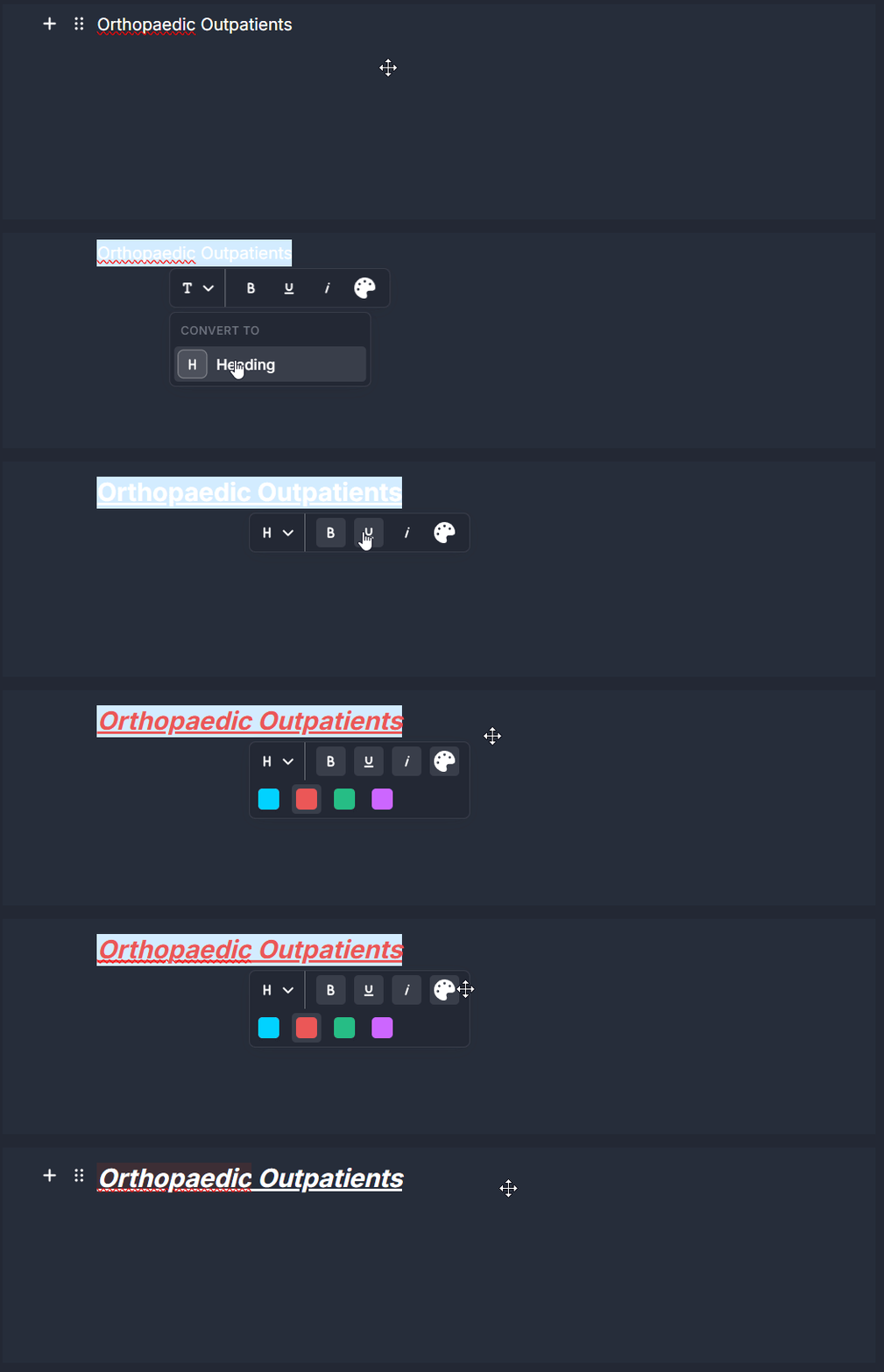
ℹ️ Note: If a colour is applied and you want to return to the default (white), select the colour palette option again.
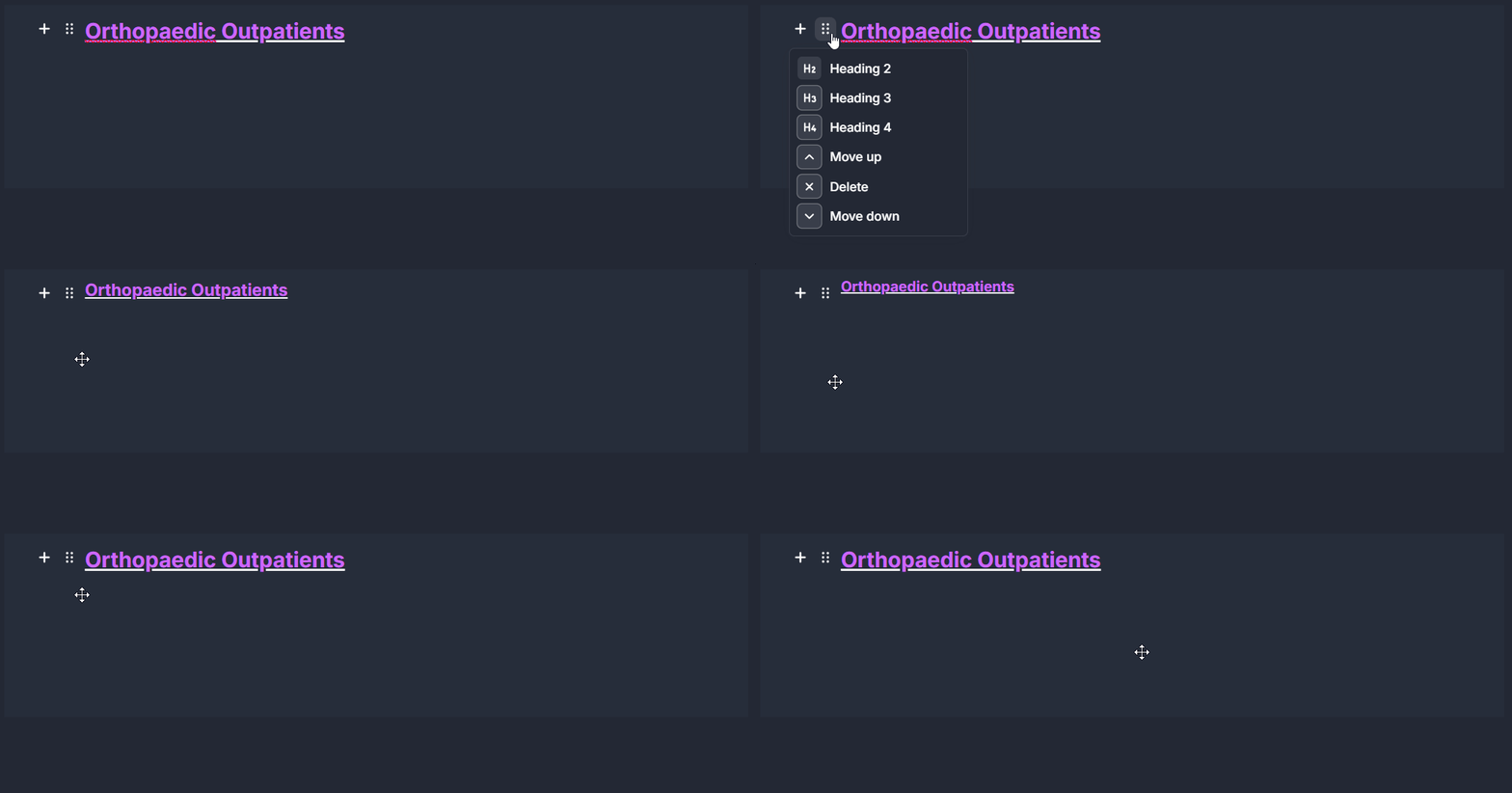
Change heading size
If using a heading style:
- Hover over the line of text
- Select the six-dot menu to the left of the text
- Choose between heading sizes (e.g. Heading 2, 3, or 4)
Add and organise multiple lines
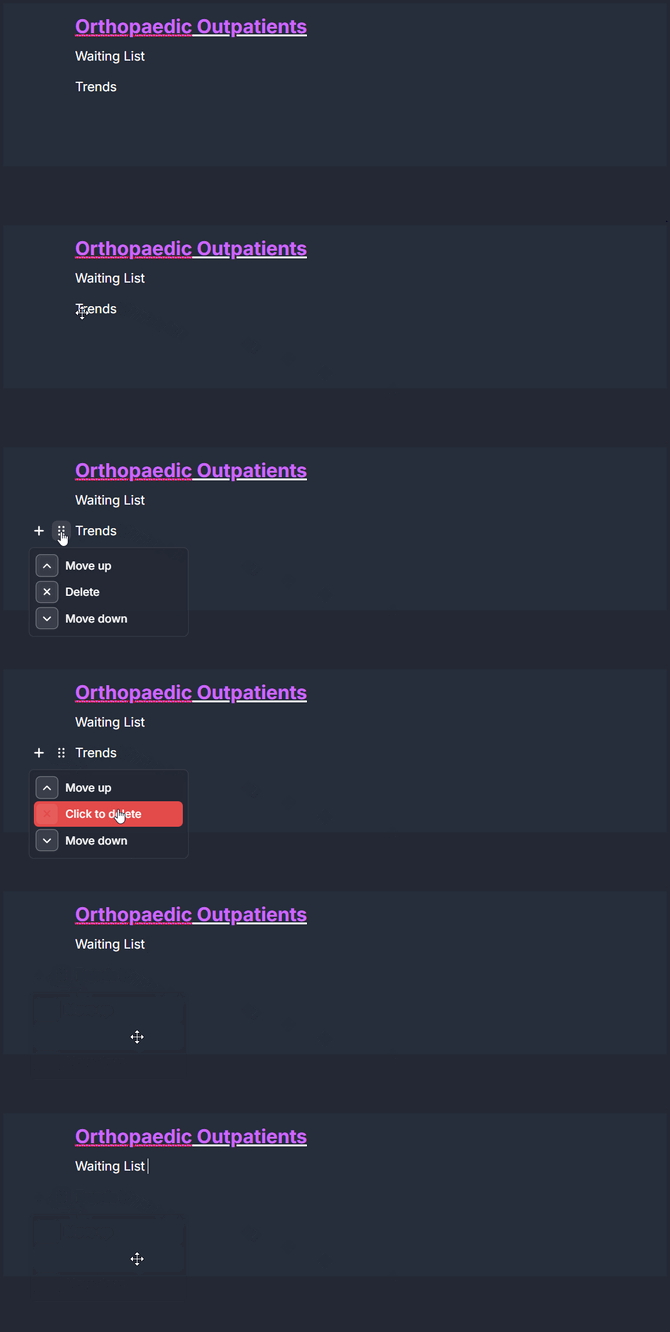
You can include multiple lines within a single text tile.
To add a new line:
- Press Enter, or
- Hover over a line and click the + button

To rearrange lines:
- Hover over the line you want to move
- Select the six-dot menu
- Move the line up or down

To delete a line:
- Use the same six-dot menu and select delete
Save your changes
When you have finished editing:
- Right-click the text tile
- Select Cancel Editing Changes
This exits edit mode and keeps your updates.

Move and resize a text tile
Text tiles behave like other tiles in MyHub:
- Drag the tile to reposition it on the page
- Resize it to fit your layout
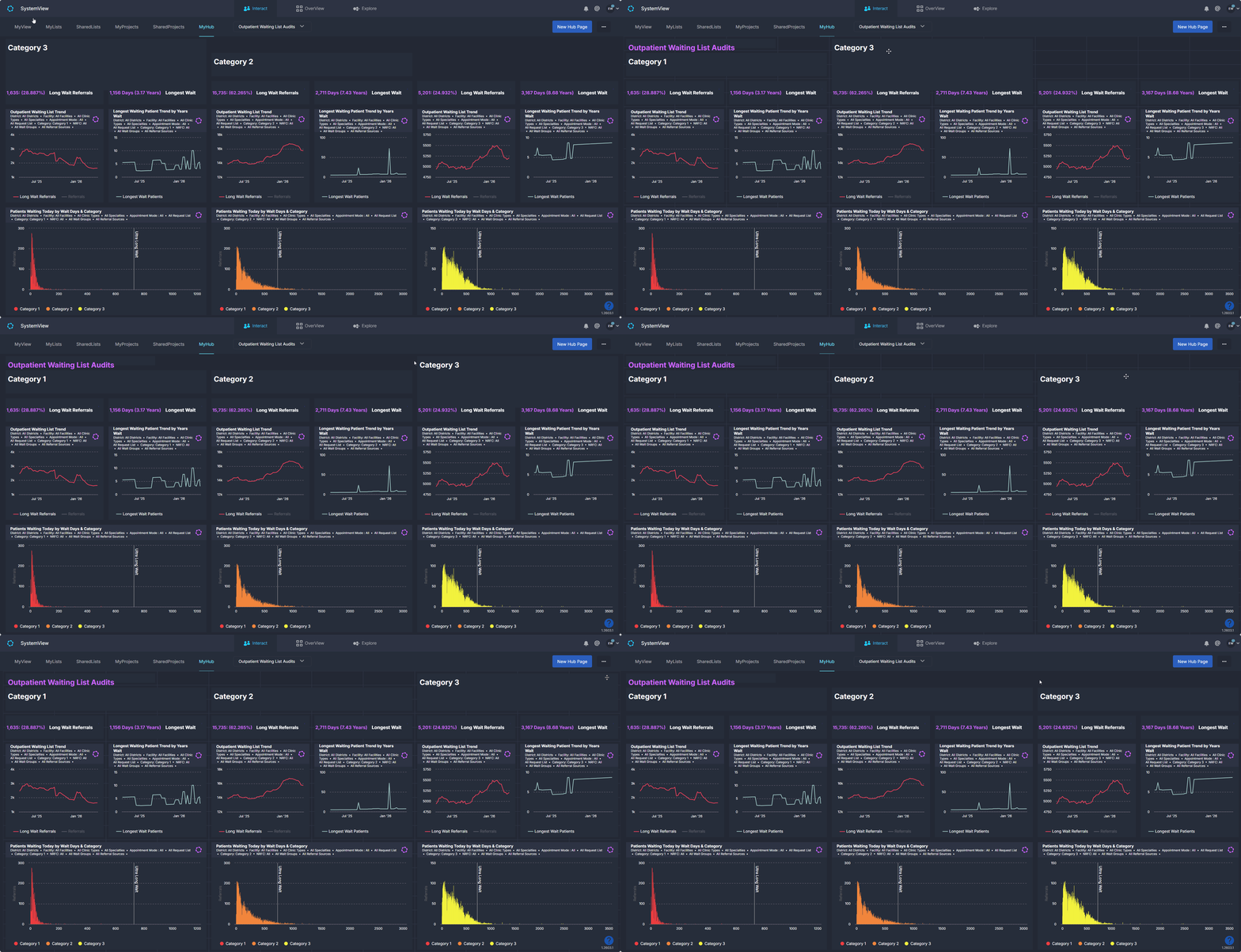
This allows you to structure your dashboard with clear sections and headings.
Delete a text tile
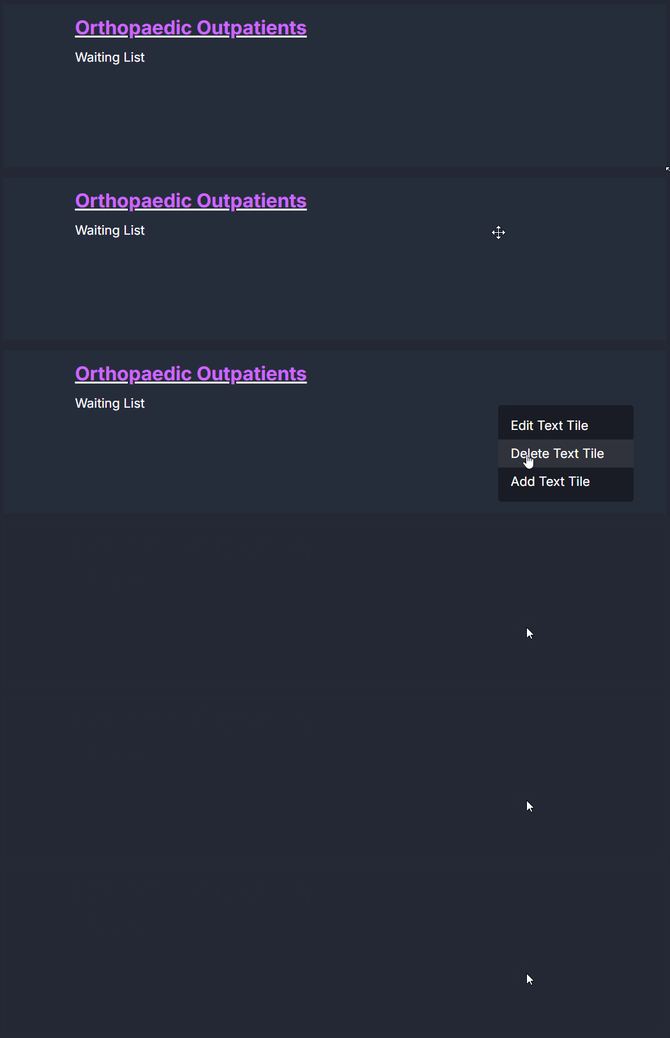
To remove a text tile:
- Right-click the tile
- Select Delete Text Tile
Related articles
For more on building dashboards in SystemView, see: How to create and edit a MyHub ›